How to (not) use AI meeting notetakers

It is common, today, to get into a meeting and receive a notice that it is being recorded; or in some cases, seeing a phantom participant that is only an AI notetaker.
These started not more than five years ago and spread quickly, due mostly to predatory product strategies that made it too easy to access and attach itself to all meetings, but almost impossible to be removed. Most people who use it today are more unconcerned by its presence (or simply gave up on trying to remove it) than actually valuing the results they get.
I get the impulse: so many of the “how to use AI” articles say that you should use it for repetitive, boring tasks, and it is great to not have to worry about taking notes and simply focus on the meeting. The way that AI note taking works today, though, is simply not worth it.
You are either putting sensitive information at risk, or limiting the meeting itself
During a meeting, you can't control the information you or others will share. To give a tool access to the meeting, you need to allow it to enter the meeting and record everything. Especially if the tool is free, there is a high chance the company will use your information, voice and video to train their models.
Companies are, today, hungrier for data that they ever were. An investigation from 404media has shown that even Zoom meetings considered private are being harvested for data. The moment you share a meeting with link with someone, there is always the risk that the information there will be in the internet forever, with no way of removing it.
Let’s say you are using an organisation-approved, secure tool, only shared internally and that does not train any models with the data from the discussion and files; still, most people choose to refrain from being fully honest and open in a meeting the moment they see they are being recorded. Is having a limited, less productive meeting worth the few notes you will get out of it?
Outputs are simply bad
Over the past few years, I’ve tested many of these tools: from third-party (Fireflies, Otter, Read, etc) to built into platforms (Zoom, Gemini, Teams, etc). I’ve never, ever got a set of notes I can actually rely on. They are always too broad, highlight the wrong pieces of information and list the wrong tasks.
This makes sense: when we think about the nature of an effective meeting note, it needs to highlight priorities, important discussions, next steps. This needs to account for the context of the relationship, your professional situation, and your personal goals.
An LLM will always try to predict the next word based on the database it already has; if this database does not include this specific work context, the information the tool will prioritise will be optimised towards the average. This means that you will always get an average note. To get anything better than that, you would have to give this tool full access to your organisation’s sensitive data and train it based on the full extent of your work.
Who could this be good for?
General meetings where the context is shared from the start. Basically introductory sales meetings, where you are presenting yourself and your work and either party won't share anything sensitive.
For every other meeting, if you really need to generate meeting notes afterwards, do this instead:
- Assess the privacy risk: what is the chance sensitive information will be shared in this meeting? If there is a medium to high chance, do not record it at all
- If the risk is low, using an organisation-owned and approved tool (NOT free tools), you can record it, which will also generate a transcript
- Using an organisation-owned and approved AI chatbot tool (NOT free ones), you can now upload this transcript into a new chat, give it more context (the work you’ve been doing, what the goal of the meeting is, who is responsible for what) to generate useful notes
Most organisational meeting platforms already offer recording and safely storing your video, audio and transcripts within the same settings of the rest of the organisational data. If you are looking for extra security, devices such as Plaud can record meetings locally, without the data even going to the cloud.
Personally, though, I have a Plaud device, access to recording and notes in Google Meet, Microsoft Teams and Zoom, and none of these are better than taking 10 minutes after every meeting to write my own notes.
Something on your mind? We're happy to answer questions and continue the discussion elsewhere.
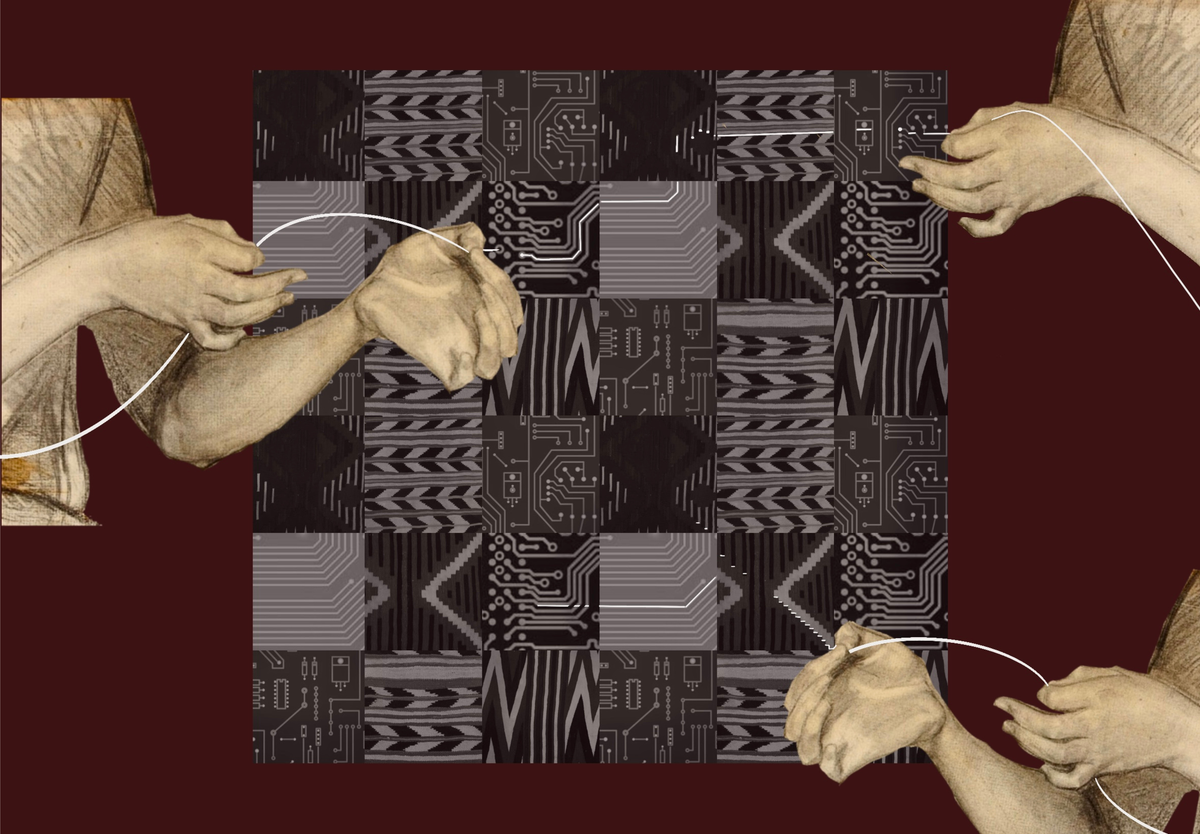
Image: Hanna Barakat & Archival Images of AI + AIxDESIGN / https://betterimagesofai.org / https://creativecommons.org/licenses/by/4.0/